
04 / Workbench guide
Start with your model. Follow it through to the result.
Choose the part of the work you need help with. Each guide shows the Workbench controls and links to exercises so you can try the steps and check what changed.
CREATE · DISCOVER · SIMULATE
Start learning: the CDS curriculum
Follow connected exercises from your first laminate to process, loading and structural studies. Choose a topic or model, then work through the setup, tasks and checkpoints.
Select a block to explore its inputs, results and theory. Run the engineering solvers in Workbench.
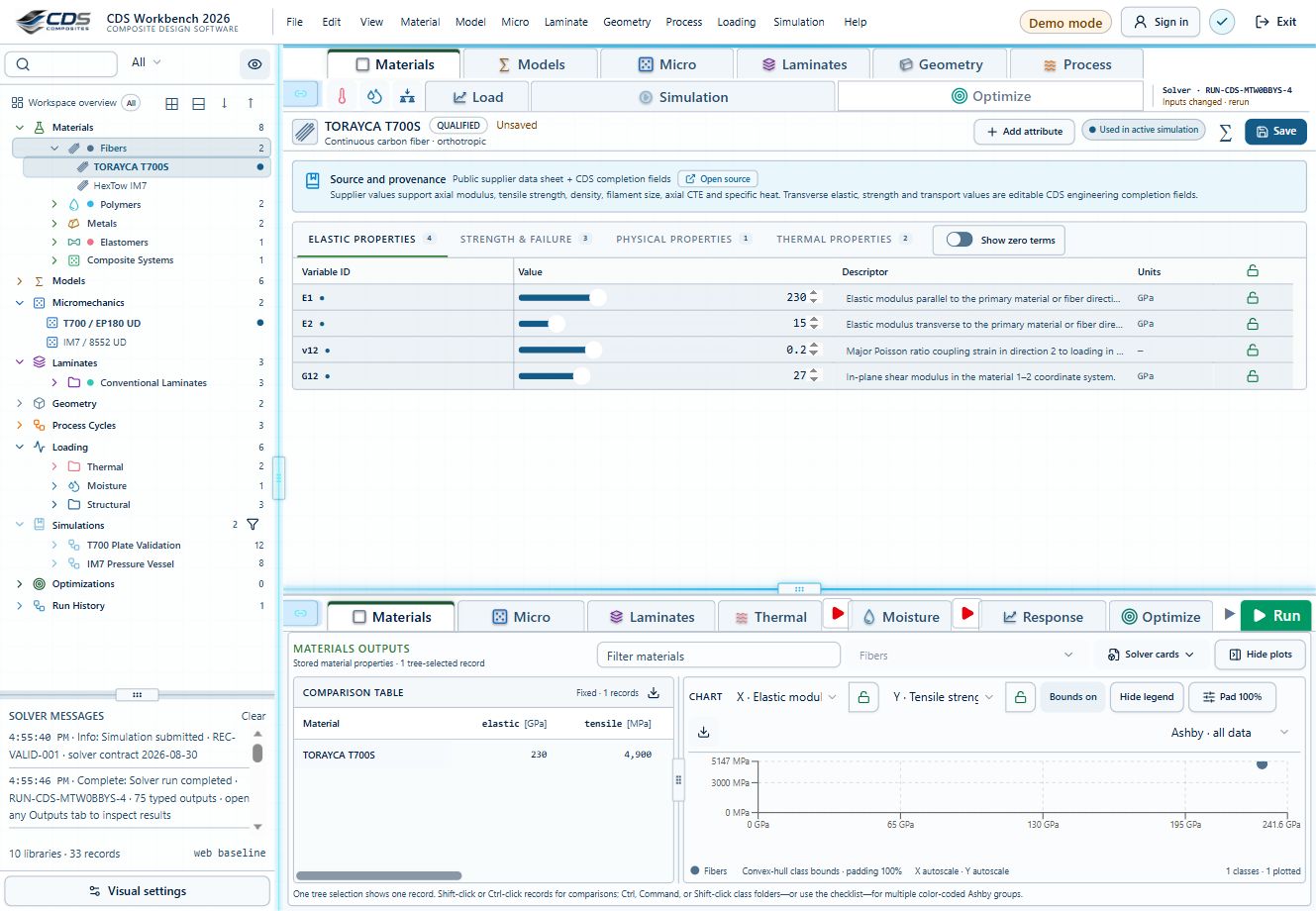
Materials
Traceable constituent properties
Start with source-aware elastic, strength, density and transport data. Teaching records help you explore; qualified design requires appropriate allowables.
Fatigue is optional and separate from progressive failure. An S–N life prediction is not a stiffness or strength reduction. Finite-plate CLT/FSDT and thick-wall cylinder studies have their own limits; they do not automatically include every process or failure model.
Explore this section
10 destinationsGetting Started
Sign in, find your way around the project tree and make your first edit in a copy of a teaching record.
Activity IDs & progression
Explore activity ids & progression.
→04.2Workspace & Navigation
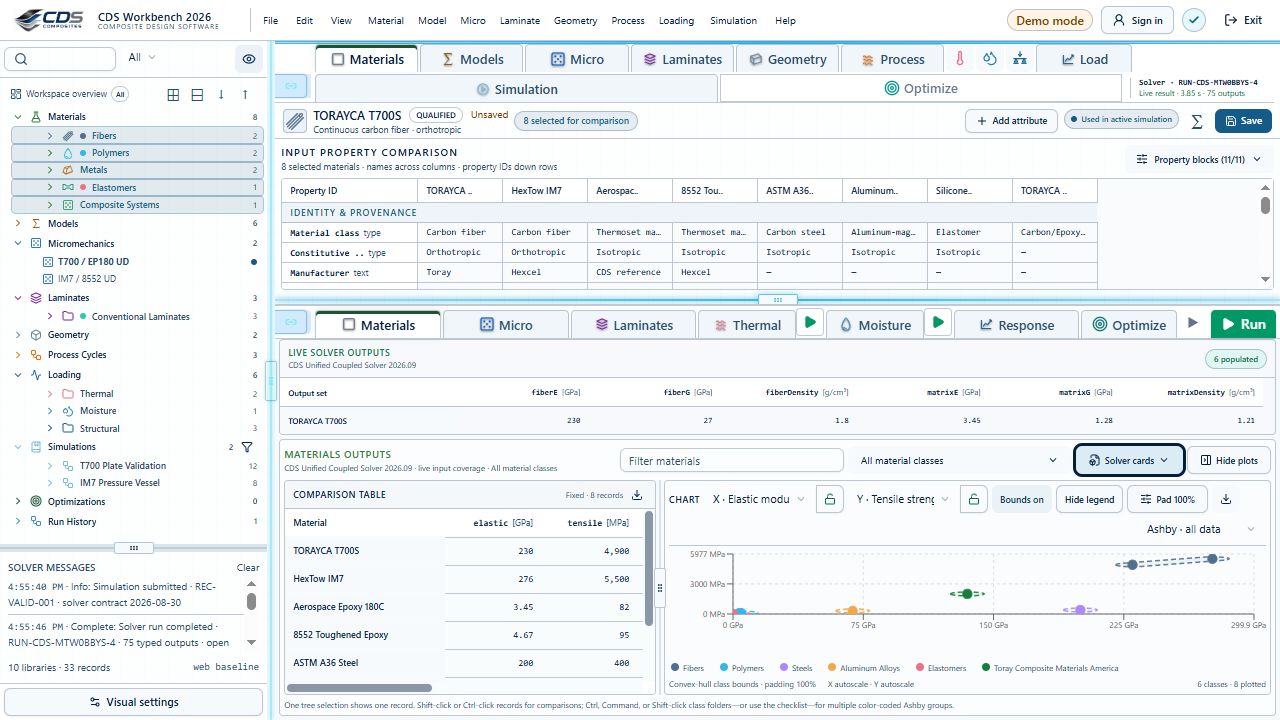
Learn the compact Project Manager tree, run controls, result views, editors, and live simulation summary.
Materials
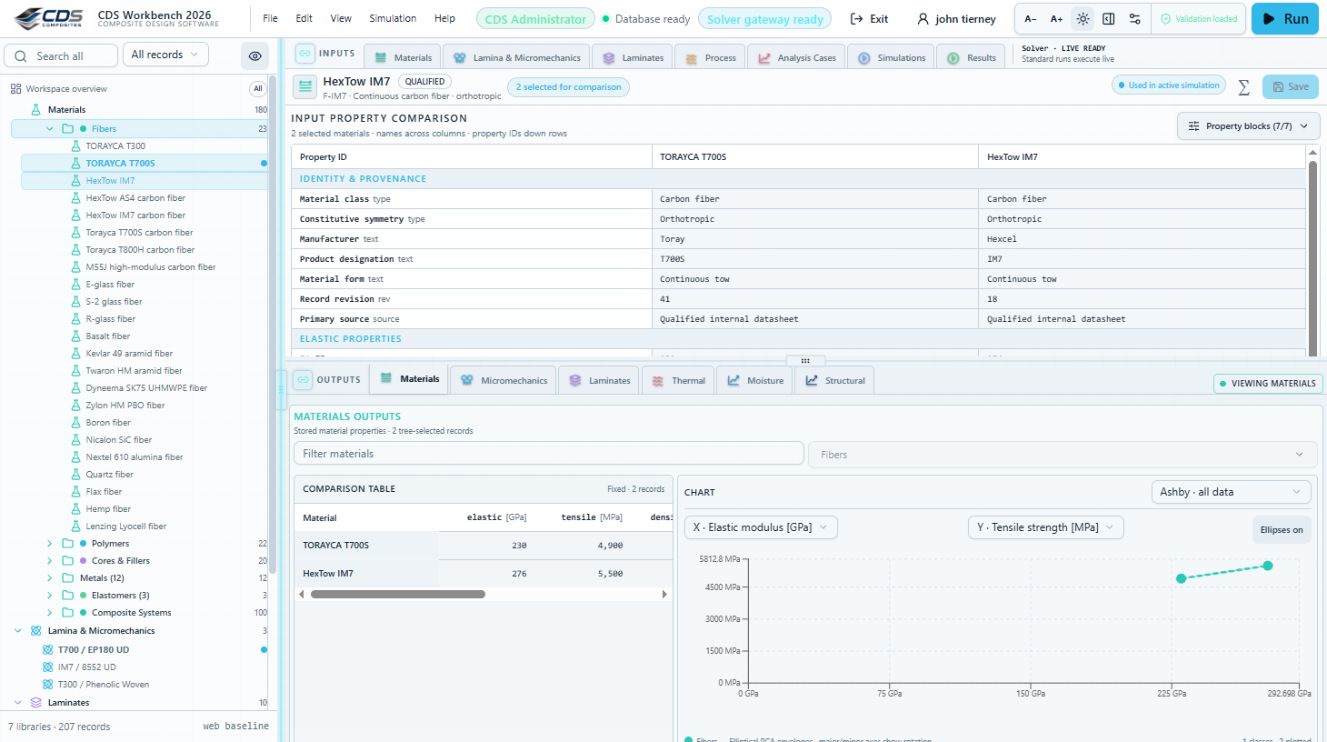
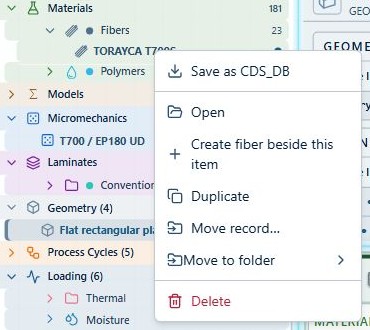
Add, edit, duplicate, move, classify, lock, unlock, and delete material records.
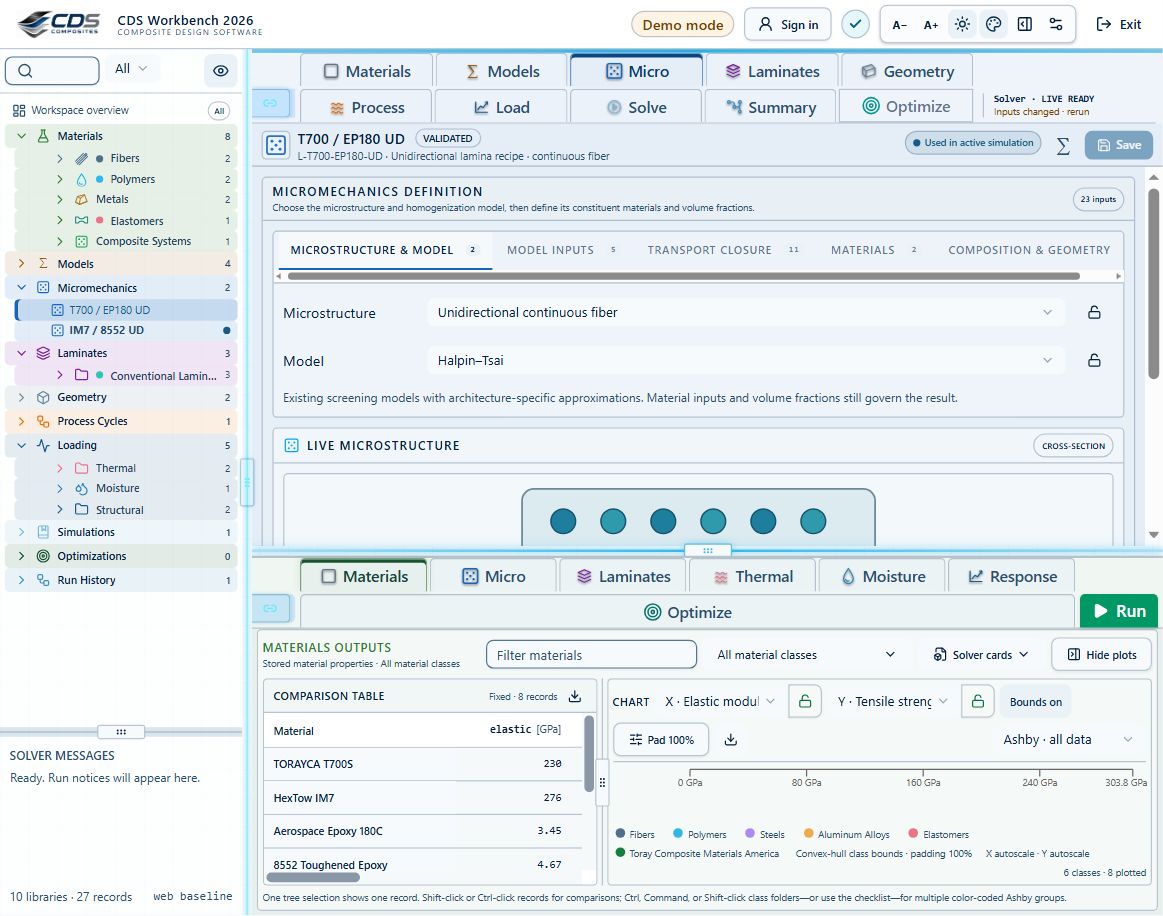
Laminas & Laminates
Connect constituents, build ply stacks, review effective results, and create reusable materials from predictions.
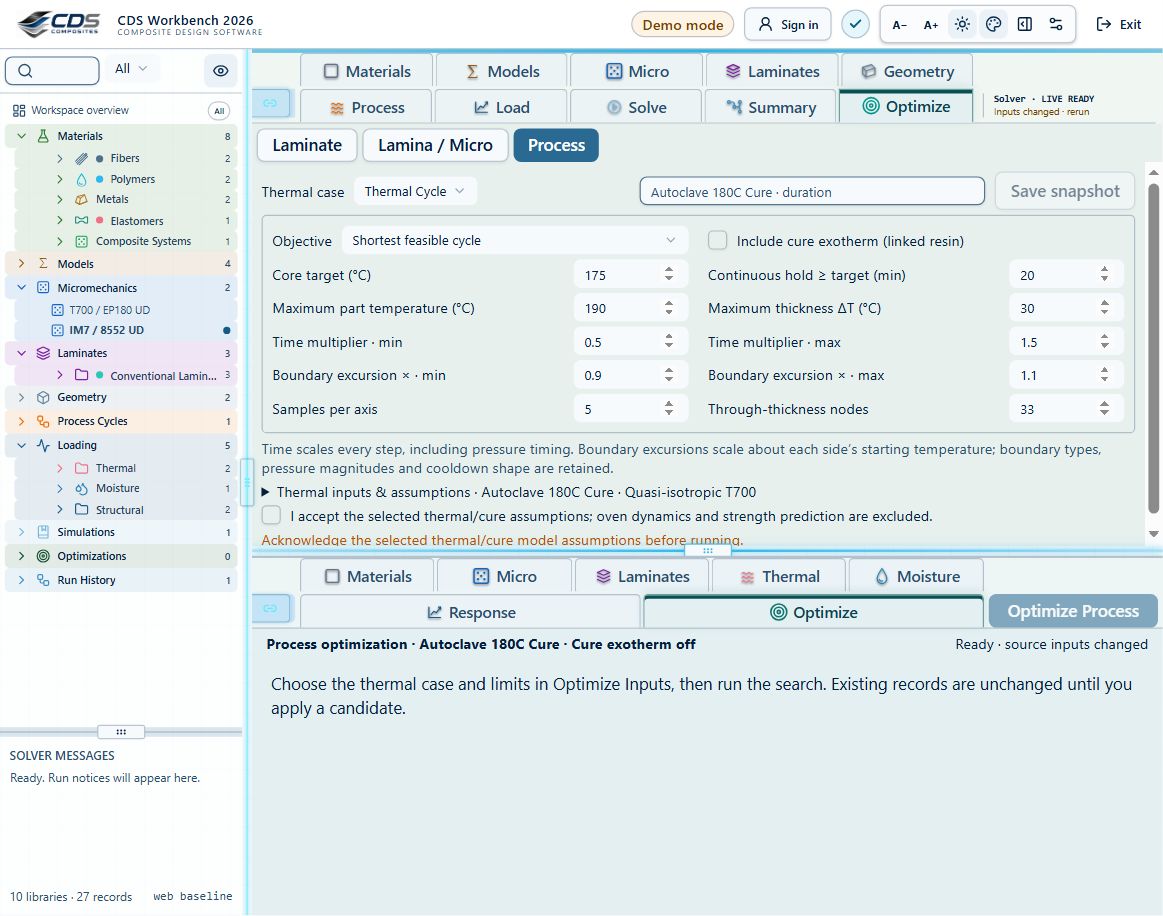
Processes & Simulations
Solve steady-state or transient cases, include cure exotherm and cure-dependent modulus, optimize process cycles, preview LiveLoad vectors, and inspect result provenance.
Interface & Effective Use
Use responsive navigation, locally saved settings, scrollable tables, 2D/3D plot controls, exports, record actions, and local data tools efficiently.
Connected Workbench & Live Sync
Follow the records behind a result. Work with live and saved results, material sources, grouped tree moves, multi-count duplication, boundary histories and comparisons.
Failure, Design Maps & Optimization
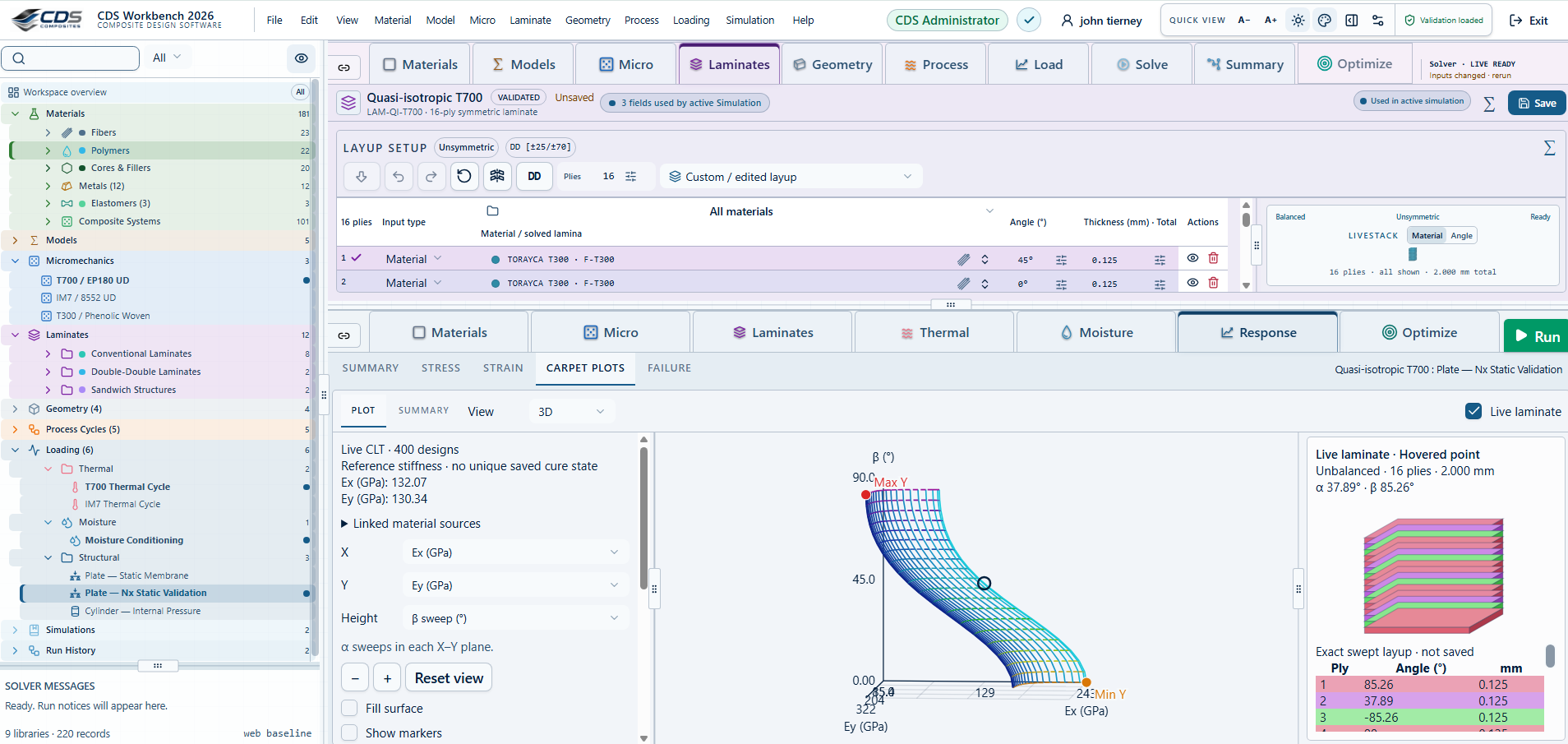
Set up failure envelopes and progressive analysis, explore 2D/3D carpet and microstructure maps, run laminate searches, save snapshots and compare studies.
Videos
Explore videos.
→