
Training / Education Portal
Teach composites. See how students think.
Set a problem, follow the students’ studies and help them explain the result. Keep the exercises, submissions, feedback and grades together.
FROM FIRST STIFFNESS STUDIES TO ADVANCED PROCESSING
Set the level. Ask students to explain what changes.
Start with the class: Middle school, High school, College, Graduate or Professional / research. Choose Guided, Standard or Advanced Workbench, then restrict the class to the licensed modules the assignment needs.
Verified educator accounts include the training manual. Class licenses and student seats determine access to calculations.
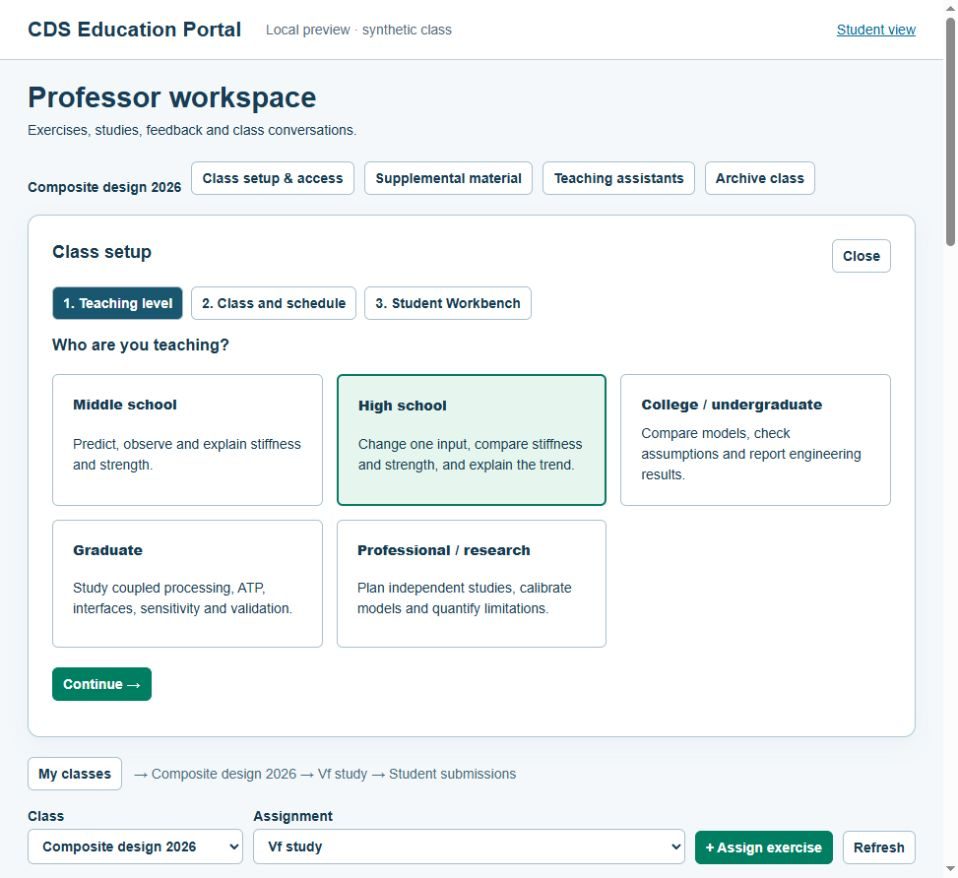
THE TEACHING CYCLE
My classes → Class → Assignment → Student submissions
- Set up the classImport a CSV roster using the Excel template. Add the schedule, deadlines, supplemental links and class-limited teaching assistants.
- Assign a connected studyPreview the exercise pool and theory. Set required variations, a rubric and a private instructor reference.
- Compare and gradeInspect submitted inputs and saved results, overlay compatible curves and read explanations beside the plots.
- Return a reviewed revisionPropose changes with reasons. Students download a working copy, rerun in licensed Workbench and resubmit; the original remains intact.
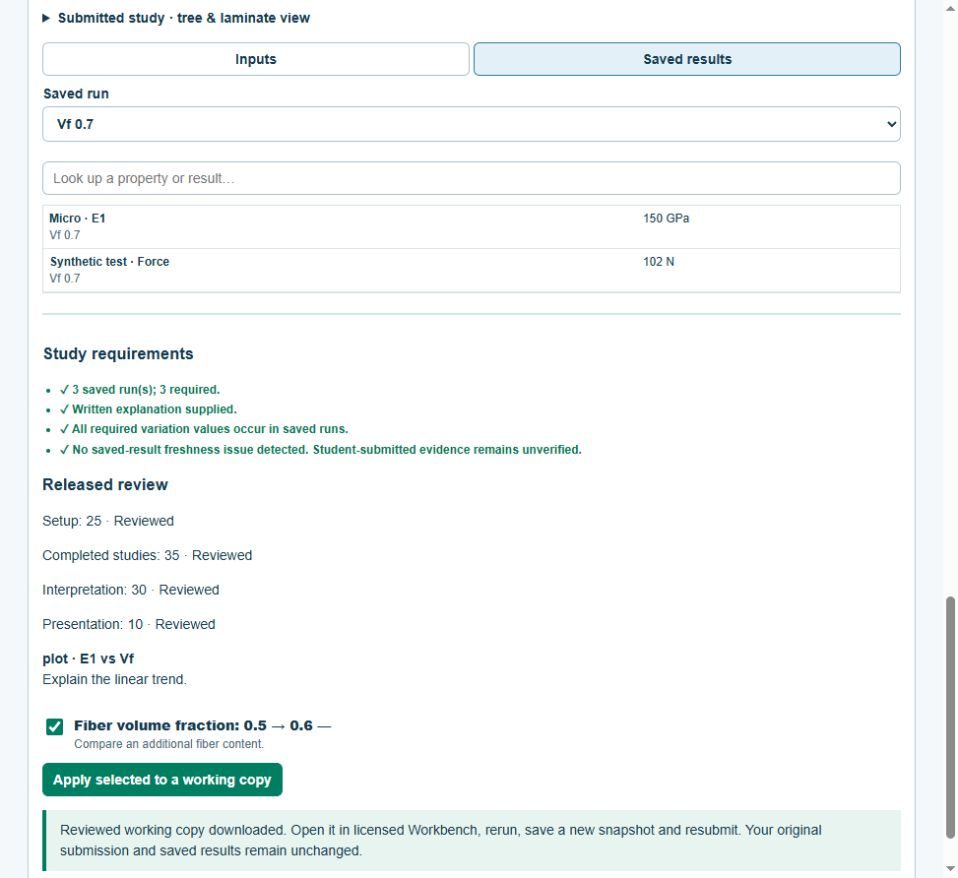
FEEDBACK THAT LEADS TO ANOTHER STUDY
Compare the result and the reasoning.
Review how the student set up the model, completed the studies, interpreted the results and presented the work. Flags point you to missing runs, stale results and omitted variations. Compare the first submission with the revision to see what changed.
Open the saved results to review them without running another calculation. Students rerun separately in licensed Workbench; you can still check the results they originally submitted.
DESIGN COMPETITIONS
Give the class a target and compare their designs.
Define an engineering problem, select saved metrics and connect performance points to the rubric. Compare available measures on an Ashby plot, such as stiffness versus mass.
Only verified, feasible entries qualify for ranking. Students see assignment-specific aliases when the professor releases the board on reveal day. The professor controls grade release.
Use a validated starter and supported calculation for each challenge. The box-beam problem preset does not add a dedicated box-beam solver.
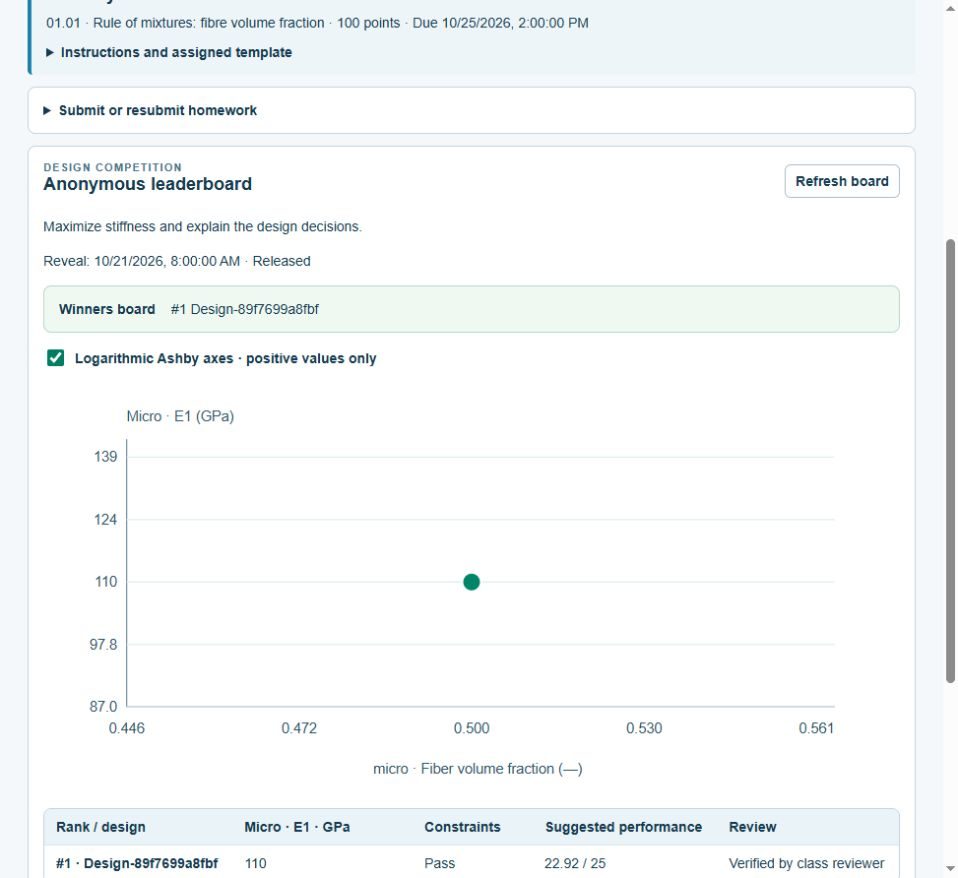
Keep the class work together through the year.
Use the portal to exchange messages and share supporting material. Export released grades as CSV for an LMS import, then archive the class by year and term when the work is finished.
Messages are in-portal; posting does not automatically send email or push notifications. Grade transfer uses files, with LMS import review; automatic LMS passback is not included.
PUBLIC OVERVIEW · 9 SLIDES
Introduce the CDS Education Portal.
Use this short presentation to discuss CDS with colleagues or plan a class. Verified students receive the student guide; registered educators receive the professor guide, including during license setup.
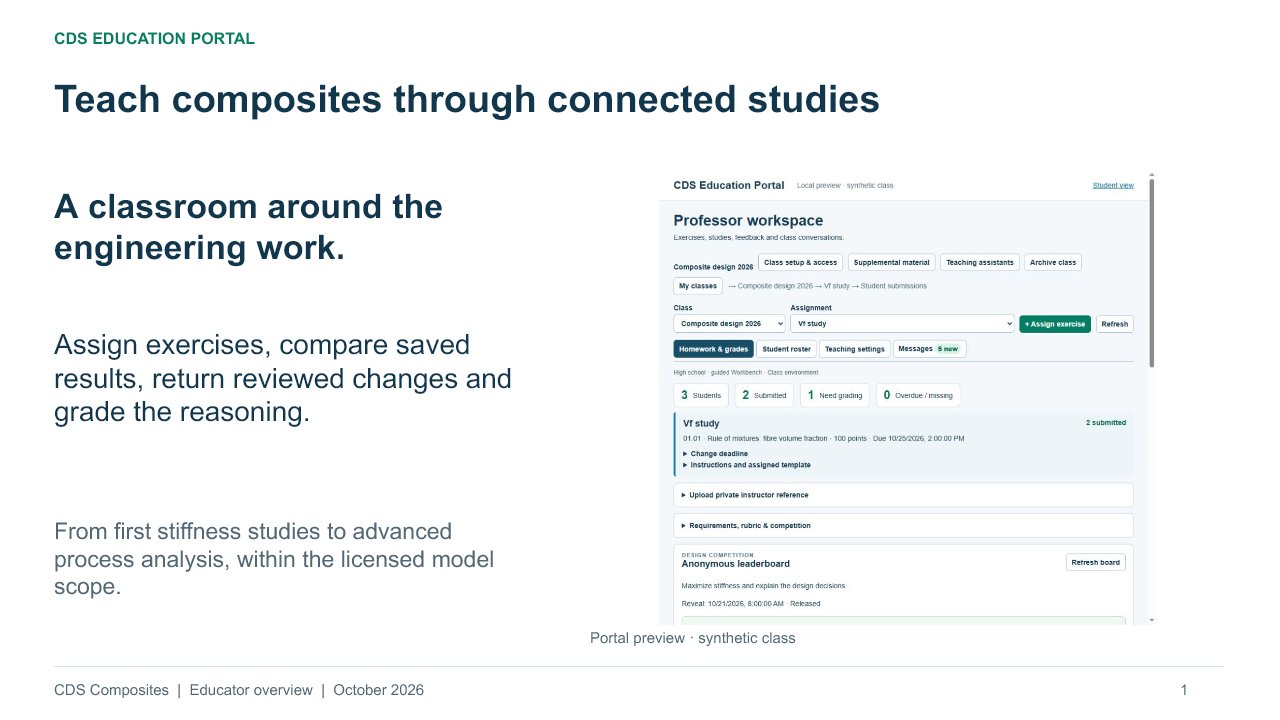
Preview the public presentation